


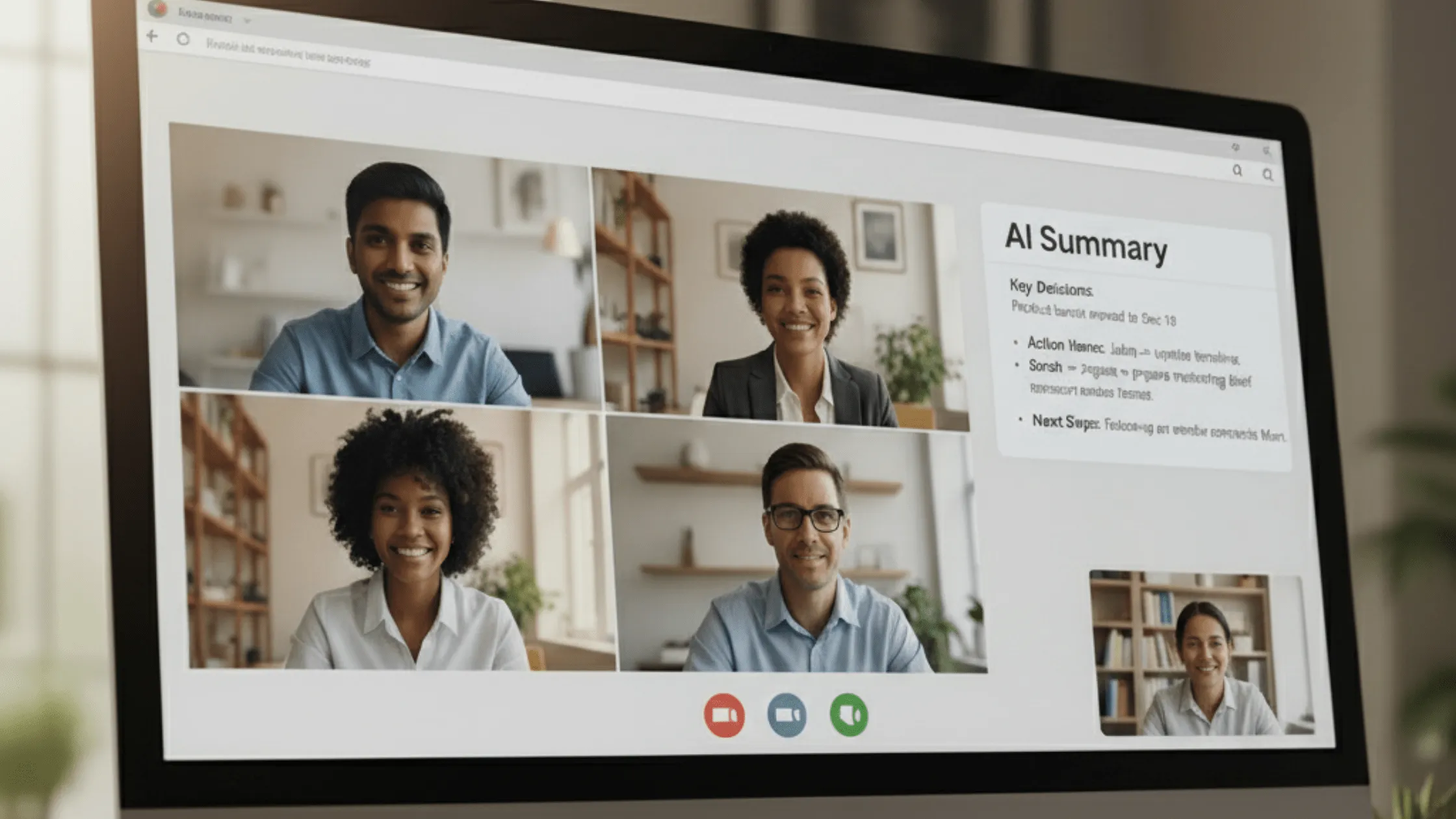
AI is Now Scheduling Your Meetings in Gmail
Tired of scheduling chaos? Learn how AI is Now Scheduling Your Meetings in Gmail with Google's Gemini.
Gaurang Mistry
16 October 2025
Let’s be honest: scheduling a simple meeting can feel like a diplomatic crisis. You send an email, they suggest three times, you're only free for one, they counter with two more, and before you know it, five emails have been exchanged just to find 30 minutes for a quick chat. It’s the ultimate time sink in the modern workplace.
But what if your inbox could handle all that tedious back-and-forth for you? Welcome to the future of communication, because the focus keyword is now a reality: AI is Now Scheduling Your Meetings in Gmail.
Google’s powerful AI, Gemini, has been woven into the fabric of Google Workspace, transforming your inbox from a passive mail carrier into an active, intelligent personal assistant. This isn't just about a simple calendar link; it's about context-aware, human-like scheduling that reads your emails, checks your calendar, and proposes times without you having to lift a finger. This is easily the most practical, time-saving update to Gmail in years.

For years, we've relied on a mix of manual checks, external scheduling links, and sheer luck. Now, the process is streamlined and integrated, eliminating friction entirely.
Feature | The Old Way (Pre-2025) | The New Way (Gemini-Powered) |
Finding Availability | Manually switching between Gmail and Google Calendar, cross-referencing slots. | AI (Gemini) automatically scans your Google Calendar in real-time. |
The Email Exchange | Multiple emails: "Are you free at 10 am?" "No, how about 2 pm?" "Only for 45 mins?" | A single email with multiple suggested, confirmed-available time slots. |
Inserting Times | Manually typing out dates and times, risking typos or errors. | One-click button to insert professionally formatted, pre-vetted time slots. |
Booking Finalization | Waiting for a reply, then manually creating the Calendar invite. | Auto-create and send the Google Calendar invite once a time is selected. |
User Effort | High: Requires cognitive load and manual labor. | Low: Requires only a single click to initiate the process. |
The entire magic is based on contextual awareness. Gemini doesn't wait for a specific command; it anticipates your needs based on the conversation in your Gmail thread.
The process is incredibly seamless, designed to feel like a natural extension of your email reply:
Start a Draft Reply: When you begin typing a response to an email that suggests meeting, such as "Let's find some time to connect next week," or "Are you free for a 30-minute demo call?", the AI is triggered.
The Button Appears: A small, unobtrusive "Help me schedule" button, powered by Gemini, will appear directly in your email compose toolbar.
Contextual Analysis: When you click it, Gemini instantly performs two major tasks:
Calendar Check: It securely scans your Google Calendar for all your "free" blocks.
Email Interpretation: It reads the email you're replying to, understanding key parameters like the requested duration (e.g., 30 minutes, 1 hour), the timeframe (e.g., "next week," "this Friday afternoon"), and even implied time zones.
Smart Suggestions: Gemini generates a list of suggested time slots that work for your schedule and fit the email's request. For instance, if the email asks for a 30-minute meeting next Tuesday, the AI will only show 30-minute blocks on your calendar for that day.
Review and Insert: You can quickly review the suggested times, add or remove any slots, and then with a final click, insert the perfectly formatted list of options directly into your email reply.
Automatic Booking: When your recipient clicks their preferred time slot from the list you sent, the Google Calendar invite is automatically created and sent to both parties. Scheduling conflict solved.
For those quick, one-on-one meetings that make up the bulk of daily communication, this feature is nothing short of revolutionary. It takes a tedious, multi-step process and collapses it into a single, intelligent action.
The AI transformation doesn't stop once the meeting is scheduled. For individuals who spend their days in Google Meet, the integration of Gemini offers a significant leap in productivity: the AI Note-Taker.
The struggle is real: do you focus entirely on the discussion and risk missing an action item, or do you furiously type notes and risk missing the nuance of the conversation? With Gemini in Google Meet, you no longer have to choose.

The AI functions as a silent, ever-present participant, recording, transcribing, and summarizing the entire meeting for you.
Real-Time Transcription: It accurately transcribes everything said, including identifying different speakers. This creates a fully searchable, word-for-word record of the conversation.
Automatic Summarization: The AI generates a concise, organized summary of the meeting, perfect for sharing with those who couldn't attend or for a quick recap before your next call.
Action Item Identification: This is where the real time-saving occurs. The AI doesn't just summarize; it actively listens for and flags Action Items, Key Decisions, and Next Steps, assigning them to the relevant person mentioned in the meeting. For example, if someone says, "John will send out the final report by Friday," the AI flags that as a task for John.
Instant Post-Meeting Artifacts: As soon as the meeting ends, the full transcript, the executive summary, and the list of action items are automatically sent to the organizer and key participants in Gmail. They are also attached directly to the Google Calendar event.
Catch-Up Intelligence: Missed the first 10 minutes? You can ask Gemini in Meet, "Summarize what has been discussed so far," and it will instantly give you the key points without interrupting the flow of the meeting.
The combination of seamless scheduling and intelligent notetaking dramatically changes the landscape of professional communication.
Benefit Category | Impact on Workflow |
Engagement & Presence | Participants are more present and focused on the conversation, not on taking manual notes. |
Efficiency | Eliminates the 5–10 minutes post-meeting typically spent organizing, transcribing, and sharing notes. |
Accountability | Clear, AI-identified action items reduce ambiguity and ensure that nothing falls through the cracks. |
Knowledge Management | Every meeting becomes a searchable, digital asset. Need to find a decision made three months ago? Just search the transcript. |
Inclusivity | Automated, translated captions and summaries aid global teams and those with hearing impairments, making meetings more accessible. |
While the feature is largely intuitive, a few tips can help you get the most out of your new AI assistant.

The rollout of this feature, which makes the statement AI is Now Scheduling Your Meetings in Gmail a daily reality, signals a major shift in how we view productivity software. This isn't a bolt-on feature; it's an intelligent layer integrated across the entire Google Workspace ecosystem.
The goal isn't just to save you time on one task, but to reduce the cognitive load of managing your day. By taking away the repetitive tasks of scheduling and notetaking, AI frees up your valuable brainpower for the high-impact, strategic work that only a human can do.
As AI continues to evolve, expect these seamless integrations to deepen. We'll soon see AI managing entire project workflows, anticipating resource needs, and proactively optimizing schedules for team productivity, all starting from a simple email in your Gmail inbox. The age of the invisible assistant is here, and it's fantastic.
A: Yes, the advanced "Help me schedule" feature powered by Gemini is typically part of the premium Google Workspace tiers (like Business Standard, Business Plus, or Enterprise) or requires a subscription to Google AI Pro/Ultra for individual accounts. The rollout is focused on these business and advanced user plans first.
A: Currently, the core AI scheduling feature in Gmail is designed for seamless, one-on-one (two-person) scheduling. For complex group scheduling with multiple attendees, you may still need to use traditional Google Calendar features or third-party tools, though AI assistance for group coordination is expected to expand soon.
A: Yes. The AI note-taking function operates within Google Workspace's robust enterprise-grade security and compliance framework. The transcripts and summaries are treated as meeting artifacts and are subject to the same data privacy and retention policies as your other Google Workspace data.
A: Absolutely. Gemini provides the suggestions directly in your email draft, and you have complete control to add, delete, or modify any of the proposed time slots before you send the email. The AI is an assistant, not a dictator!
A: While the suggested times are based on real-time availability, it’s possible for a new meeting to block a proposed slot before the recipient clicks on the link. When the recipient chooses a time, Google Calendar performs a final real-time check. If a conflict is detected, the recipient will be prompted to select an alternate time from the remaining available slots, ensuring a booking is never made over a conflict.