


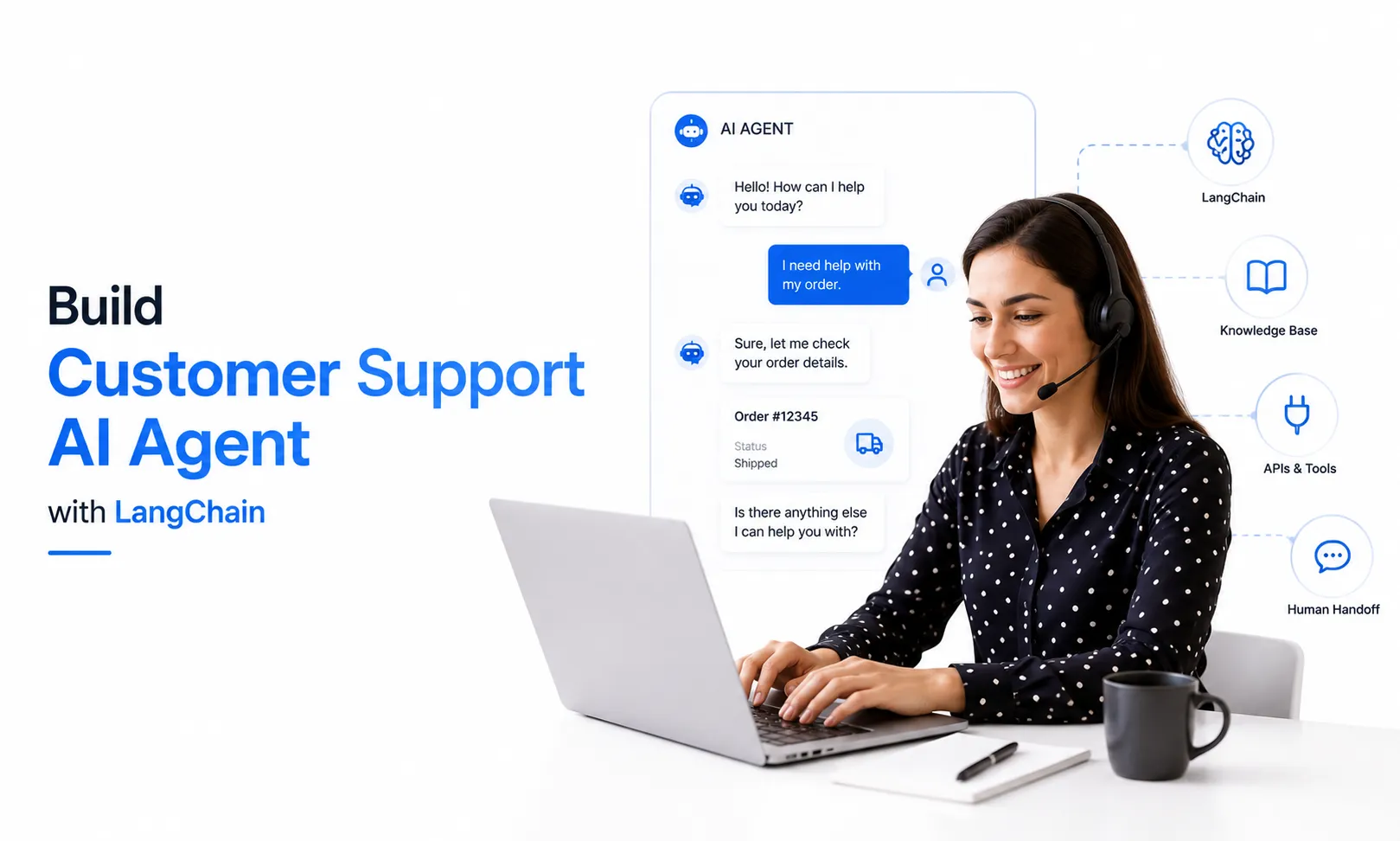
How to Build a Customer Support AI Agent With LangChain
A practical, step-by-step guide to building production-ready customer support AI agents using LangChain and LangGraph - from architecture to deployment.
Saturncube
10 July 2026
Most companies trying to automate customer support hit the same wall. They deploy a chatbot, watch it handle three or four basic questions, and then realize it falls apart the moment a customer asks something slightly unexpected. The bot doesn't know what it doesn't know, it can't look up order history, and it certainly can't process a refund. What started as a cost-saving project ends up frustrating customers and creating more work for the human team.
That is exactly why teams are moving from traditional chatbots to customer support AI agent systems. Unlike scripted bots, an AI agent understands context, retrieves information from your knowledge base, takes actions through APIs, and knows when to hand off to a human. In this guide, we are going to walk through how to build AI chatbot systems using LangChain that actually solve problems rather than create new ones. Whether you are an engineering lead evaluating AI customer service automation or a founder looking to reduce support overhead, this LangChain agent tutorial will give you a practical foundation you can use immediately. If you're looking to build a customer support AI agent for your business, our AI Software Development team can help you implement this faster.

Why Traditional Chatbots Fail at Scale
Rule-based chatbots work well when every customer asks the same question in exactly the same way. The moment someone throws in a typo, references a previous conversation, or asks a compound question like "I want to change my shipping address and also upgrade my plan," the bot freezes. It has no memory of the conversation, no ability to reason through multiple steps, and no access to the backend systems where the actual data lives.
The result is a predictable pattern. Companies see an initial dip in ticket volume for the most basic FAQs, but complex tickets still flood the human queue. Agents end up handling the same volume of work while also cleaning up confusion caused by the bot. It is not automation; it is displacement with extra steps. A true enterprise support chatbot needs to do more than match keywords. It needs to reason, act, and remember.
What Makes an AI Agent Different
An AI support agent is built on three capabilities that traditional chatbots simply do not have. First, it uses retrieval-augmented generation to pull from your actual documentation, past tickets, and product manuals in real time. Second, it uses tools to take actions like creating tickets, looking up account details, or initiating returns through your existing APIs. Third, it maintains memory across a conversation and even across sessions, so a customer does not have to repeat themselves every time they reach out.
This is where AI software development diverges from simple script writing. You are not building a decision tree. You are building a reasoning system that can handle ambiguity. At SaturnCube, we have seen this shift firsthand across healthcare, logistics, and fintech projects. The teams that treat support automation as an AI agent development problem rather than a chatbot problem are the ones that see resolution rates above sixty percent.
The Architecture You Actually Need
Before writing any code, it helps to understand what components you are assembling. A production customer support AI agent is not just an LLM with a prompt. It is a system with distinct parts that need to work together reliably.
Component | What It Does | Recommended Option |
|---|---|---|
LLM | Powers reasoning and language understanding | GPT-4o, Claude 3.5 Sonnet, or Gemini 1.5 Pro |
Vector Database | Stores and retrieves knowledge base articles | Pinecone, Weaviate, or Chroma |
Orchestration | Manages agent workflow, tools, and memory | LangGraph (recommended over legacy LangChain agents) |
Memory Store | Maintains conversation context across sessions | Redis, PostgreSQL, or LangGraph's built-in checkpointing |
Tools/APIs | Connects to ticketing, CRM, and payment systems | Custom Python functions, Zendesk API, Stripe API |
Notice that we recommend LangGraph over the older LangChain agent classes. As of mid-2026, LangGraph is the production standard for stateful agent workflows. It gives you checkpointing, human-in-the-loop interrupts, and explicit control over execution flow. If you are serious about AI customer service automation, LangGraph is where you should start.
What to Prepare Before You Start
You will need a few things in place before the build begins. Gather your FAQ documents, product manuals, and at least a few hundred past support tickets with resolutions. The quality of your knowledge base directly determines how useful your agent will be. You will also need API access to whatever systems the agent needs to interact with, whether that is Zendesk, Shopify, Stripe, or your internal CRM. Finally, decide on your LLM provider and vector database early, because switching later means re-embedding your entire knowledge base.
If your team does not have experience with web development or API integration, this is the point where you might consider whether to build in-house or work with a partner. The agent logic itself is approachable, but wiring it securely into your production systems requires careful handling of authentication, rate limiting, and error recovery.
Building the Agent Step by Step
Here is the practical process for building a customer support AI agent that can handle real conversations.

1. Set up your environment and LLM connection.
Start with a Python project and install LangChain, LangGraph, and your chosen LLM SDK. Configure your API keys and test a basic completion call to confirm connectivity. Do not skip this verification step. We have seen teams build out an entire retrieval pipeline only to discover their API key was restricted to a different region. Spending five minutes on a test call saves you five hours of debugging later.
2. Build and index your knowledge base.
Convert your support documents into chunks, generate embeddings using a model like OpenAI's text-embedding-3-large, and store them in your vector database. The chunking strategy matters more than most people realize. If your chunks are too small, the agent loses context. If they are too large, retrieval precision drops. Aim for 500–1,000 tokens per chunk with 100–200 token overlaps.
3. Define the tools your agent can use.
This is where your agent moves from a conversationalist to an assistant. Create Python functions for actions like lookup_order, create_support_ticket, process_refund, and escalate_to_human. Each tool needs a clear docstring because the LLM uses that description to decide when to call it. Be specific. A tool named handle_request with a vague description will confuse the model. A tool named initiate_return with a description like "Use this when a customer wants to return a product within the return window" gives the LLM exactly what it needs.
4. Assemble the agent with LangGraph.
LangGraph models your agent as a state machine. You define nodes for retrieval, tool execution, and response generation, then connect them with edges that determine the flow based on the agent's current state. This explicit structure is why LangGraph outperforms older agent implementations for production use. You can see exactly what happened when something goes wrong, and you can pause execution for human approval before sensitive actions like refunds.
5. Add memory and conversation handling.
Use LangGraph's built-in checkpointing to persist conversation state. This means if a customer drops off mid-conversation and returns three hours later, the agent remembers where they left off. For longer-term memory, such as remembering a customer's preference for email over SMS, store key facts in a separate database and inject them into the system prompt at the start of each new conversation.
6. Test with real ticket data before going live.
Run your agent against a held-out set of past tickets where you already know the correct resolution. Measure whether it retrieved the right documents, called the right tools, and produced an accurate response. Do not rely on vibe checks. Track metrics like retrieval accuracy, tool selection accuracy, and response relevance. Fix the retrieval layer before tuning the LLM prompt. A bad retrieval system cannot be saved by a clever prompt.
What the Numbers Look Like in Production
Once deployed, the difference between a rule-based bot and an AI agent is measurable and significant.
Metric | Rule-Based Chatbot | AI Support Agent (6 months post-launch) |
|---|---|---|
First-contact resolution rate | 15–25% | 55–70% |
Average handle time | 4–6 minutes | 2–3 minutes |
Customer satisfaction (CSAT) | 3.2 / 5 | 4.4 / 5 |
Escalation rate to human agents | 75–85% | 20–30% |
Time to add support for new topics | 2–3 weeks | 2–3 hours |
These numbers come from aggregated benchmarks across e-commerce, SaaS, and logistics companies running enterprise support chatbot systems in production. Your results will vary based on knowledge base quality and integration depth, but the directional improvement is consistent.
Mistakes That Will Slow You Down
Even experienced teams run into predictable problems when they build AI chatbot LangChain systems for the first time. Here is what to watch out for:

When to Consider a Development Partner
If your internal team is already stretched across mobile app development, core product work, and infrastructure, adding an AI agent project can derail everything. Building the prototype is often the easy part. The real work is in the integrations, the error handling, the security review, and the ongoing tuning once real customers start interacting with it.
This is where dedicated hiring or a focused development engagement makes sense. You want specialists who have shipped AI customer service automation systems before, who know where the edge cases hide, and who can get you to production without pulling your core team off their existing roadmap. At SaturnCube, we have built support agents for companies ranging from early-stage startups to enterprises handling thousands of tickets daily. The pattern is always the same: the teams that invest in proper architecture upfront save months of rework later.
Frequently Asked Questions
How long does it take to build a customer support AI agent?
A basic agent with knowledge base retrieval and two to three tools can be built in four to six weeks. A full enterprise support chatbot with multiple integrations, human handoff, and compliance requirements typically takes three to four months.
Do I need to fine-tune a model for customer support?
Usually no. Retrieval-augmented generation with a strong knowledge base and good prompt engineering outperforms fine-tuning for most support use cases. Fine-tuning only becomes necessary when you need the model to adopt a very specific tone or handle proprietary terminology that retrieval alone cannot cover.
What is the difference between LangChain and LangGraph?
LangChain is the broader framework for building LLM applications. LangGraph is a specific module within LangChain for building stateful, multi-actor agent workflows with explicit control over execution. For production AI customer service automation, LangGraph is the recommended approach.
Can an AI agent replace my entire support team?
No, and it should not. The goal is to handle tier-one inquiries autonomously and prepare detailed context for human agents when escalation is needed. The best implementations see a sixty to seventy percent deflection rate, with human agents focusing on complex, high-value conversations.
How much does it cost to run a customer support AI agent?
For a mid-size company handling five thousand tickets monthly, expect fifteen to thirty thousand dollars in LLM API costs annually, plus infrastructure and maintenance. For a detailed breakdown, see our guide on AI agent development cost.
Conclusion
Building a customer support AI agent is no longer experimental. The tools are mature, the patterns are established, and the business case is clear. If you follow the steps above, focus on retrieval quality before prompt engineering, and treat the agent as a system rather than a script, you will end up with something that actually reduces your support burden instead of adding to it.
Start with a narrow use case. Maybe handle just return requests or just billing inquiries. Prove the value there, then expand. The technology can handle complexity, but your team needs to handle it methodically.
Ready to Build Your AI Agent?
Our AI development team has built 50+ AI agents for businesses across healthcare, e-commerce, and SaaS. From concept to deployment, we handle everything.
Explore AI Development Services
Related Reading:
What Is Agentic RAG?
CrewAI vs AutoGen vs LangGraph: An Honest Framework Comparison for 2026
AI Agent Development Cost: A Complete Budget Breakdown for 2026 and Beyond
How to Build AI Agents from Scratch